1. 삭제할 레파지토리 클릭

2. [Settings] 탭 클릭
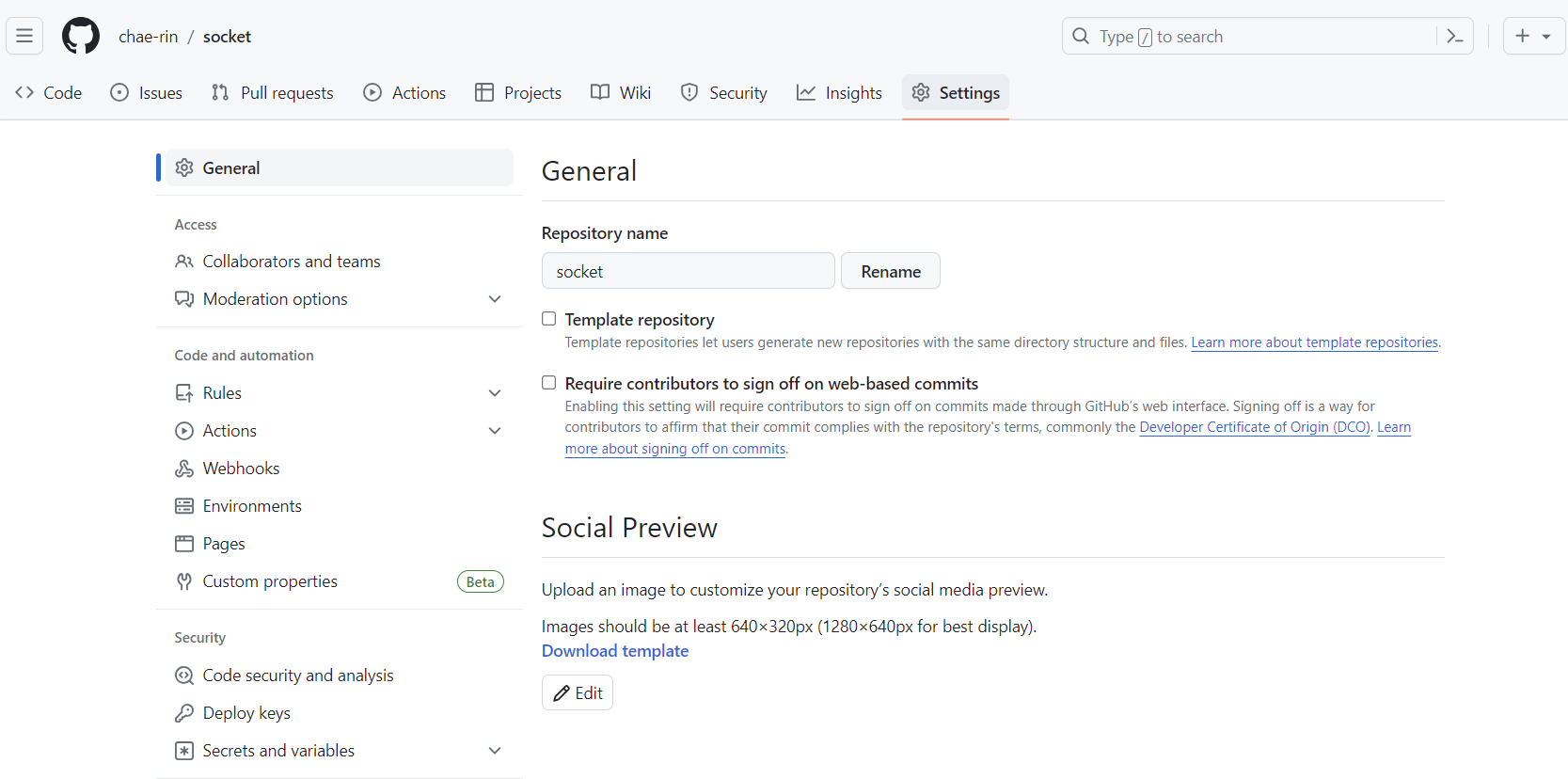
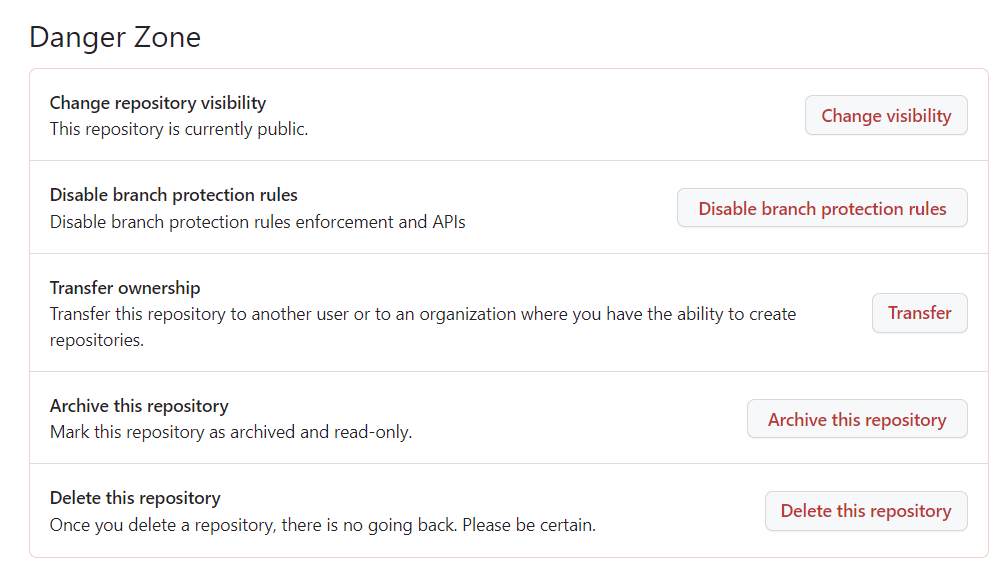
3. 최하단 DangerZone의 [Delete this repository] 버튼 클릭
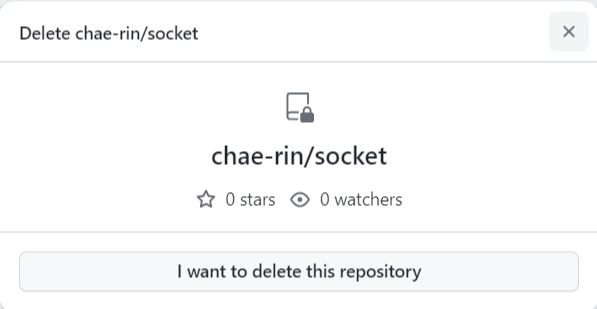
4. [I want to delete this repository] 버튼 클릭
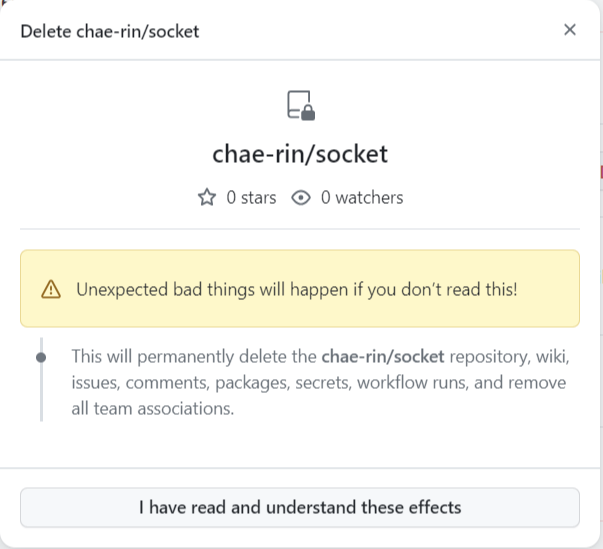
5. [I have read and understand these effects] 버튼 클릭
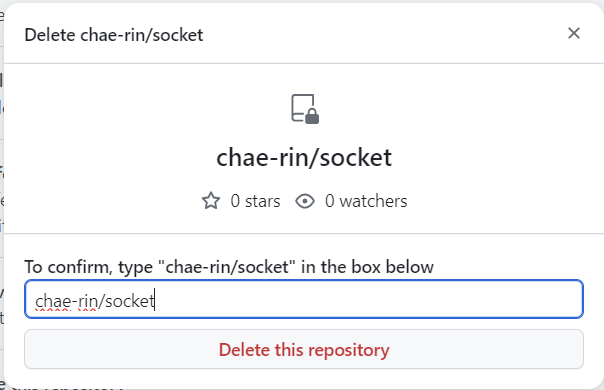
6. "계정/레파지토리명" 입력 후, [Delete this repository] 버튼 클릭
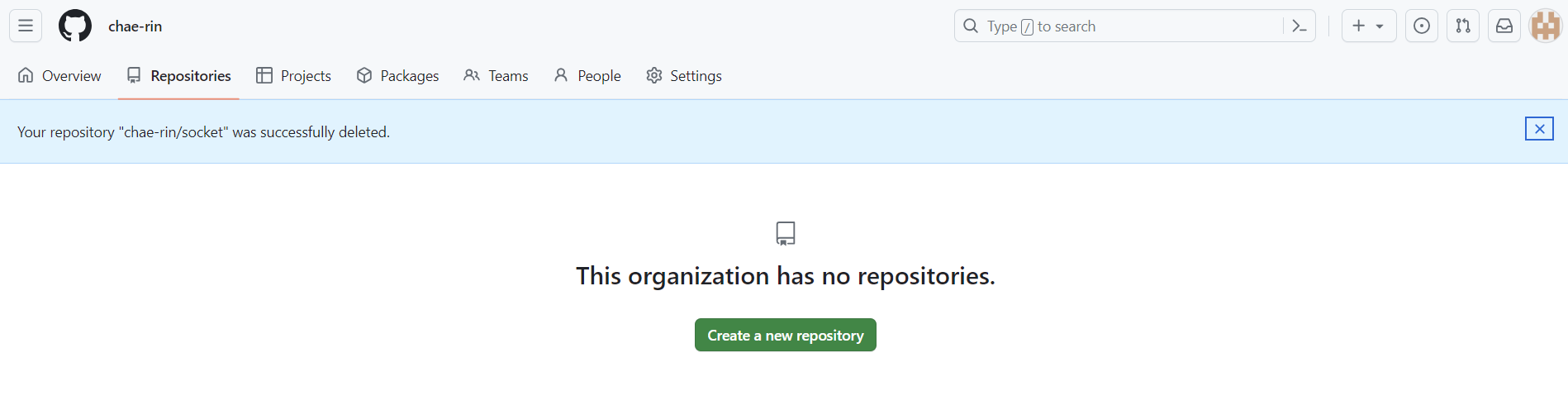
7. 레파지토리 삭제 완료
'Dev-Tools' 카테고리의 다른 글
| [Git-Hub] 커밋 메시지 규칙 (0) | 2024.06.24 |
|---|---|
| [VSCode] npm 오류 : npm error code ENOENT (0) | 2024.06.21 |
| [VSCode] npx 오류 : 이 시스템에서 스크립트를 실행할 수 없으므로,,~ (1) | 2024.06.21 |
| [Git-Hub] Token 발급하기 (0) | 2023.11.14 |
| [Git-Hub/Eclipse] 깃허브 레파지토리 생성 및 이클립스 연동하기 (0) | 2023.11.14 |