이번에 파이썬 공부를 새로 시작하여 차근차근 기록해보려고 합니다.
제가 찾아본 바로는 Python IDE로 Visual Studio Code를 많이 사용하고 있는듯 하여
저 또한 개발툴로 이를 선택하게 되었습니다.
Visual Studio Code 설정
1. Visual Studio Code 다운로드
https://code.visualstudio.com/
Visual Studio Code - Code Editing. Redefined
Visual Studio Code is a code editor redefined and optimized for building and debugging modern web and cloud applications. Visual Studio Code is free and available on your favorite platform - Linux, macOS, and Windows.
code.visualstudio.com
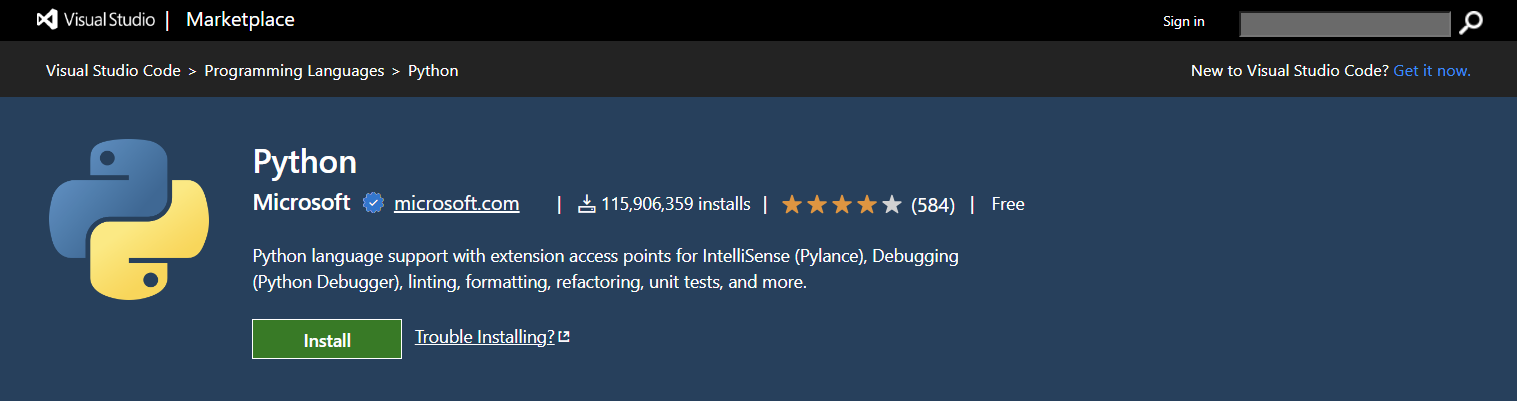
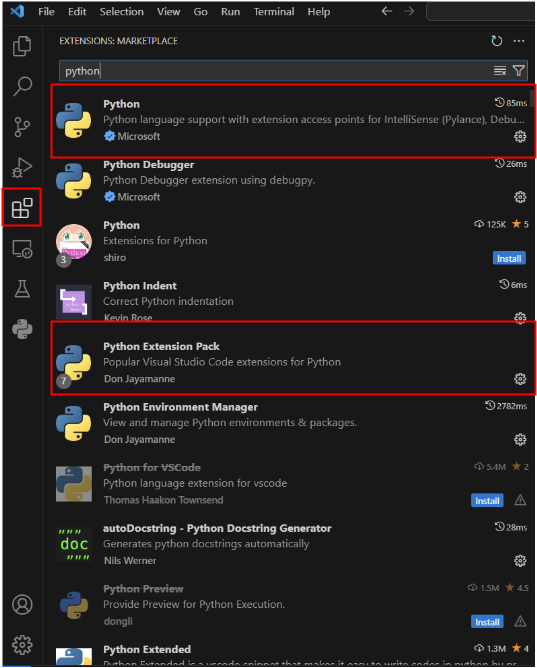
2. Python 관련 파일 설치하기
- Python, Python Extension Pack
Python 설치
1. Python 다운로드
https://www.python.org/downloads/
Download Python
The official home of the Python Programming Language
www.python.org
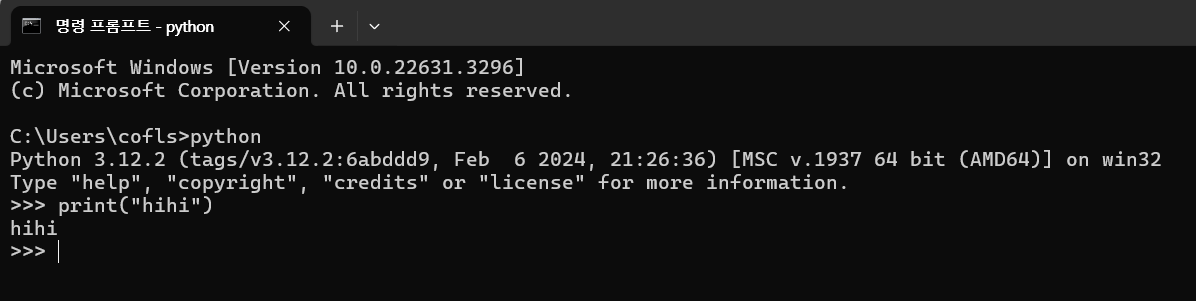
2. cmd로 Python 설치 확인하기
Visual Studio Code에서 Python 사용하기
1. 신규 파이썬 파일 생성하기 ( 확장자를 .py 로 지정 )

2. 코드 작성하기
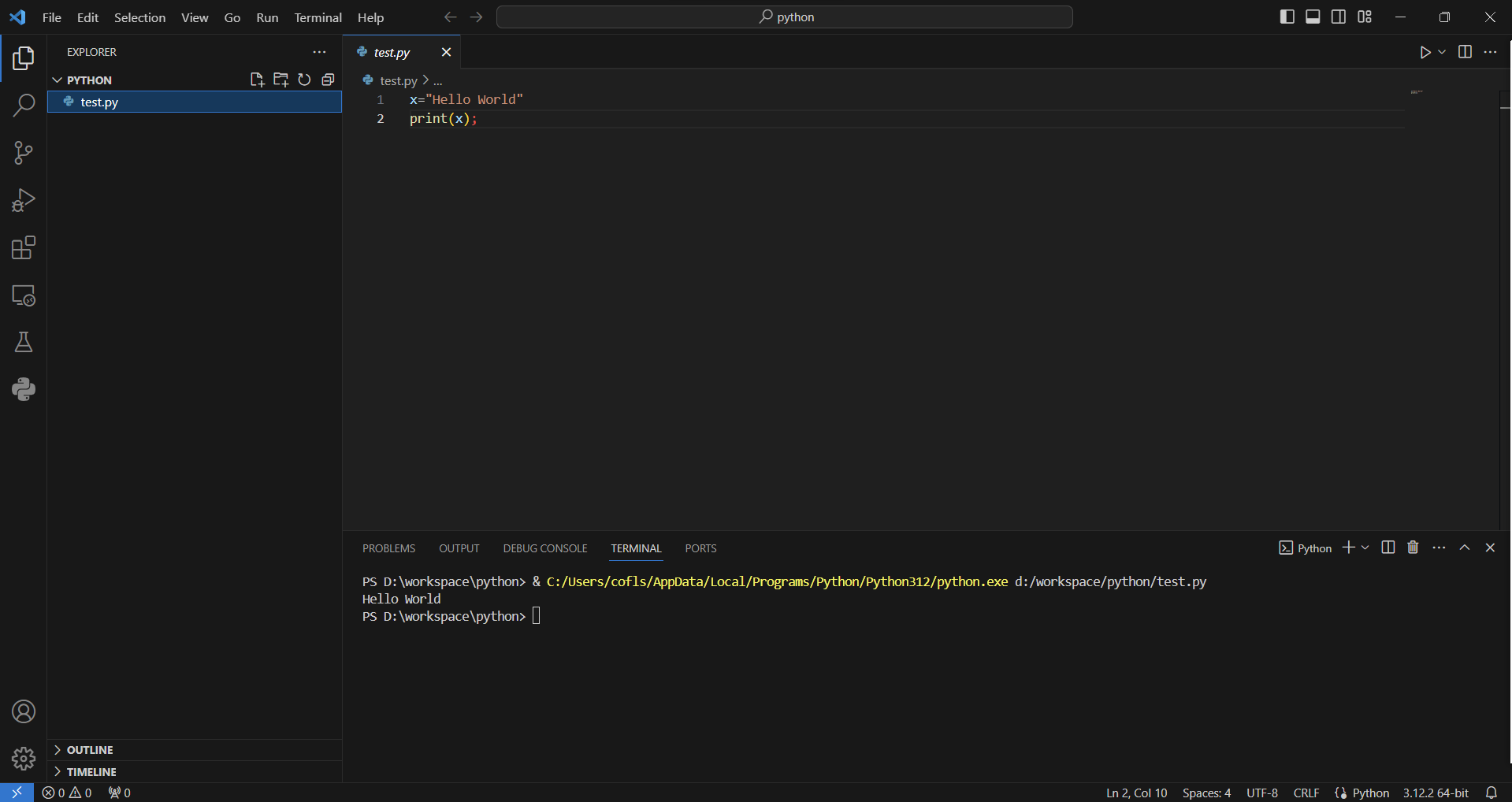
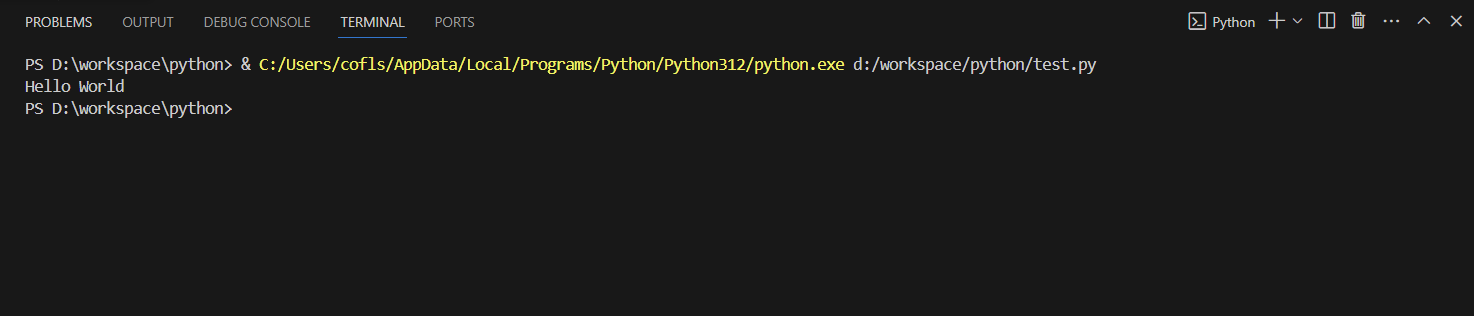
3. 코드 실행하기
- 우클릭 > Run Python > Run Python File in terminal

4. 터미널에서 결과값 확인하기
'Python' 카테고리의 다른 글
| [Python] FastAPI 란 무엇일까? 설치 방법 및 실행 예제 (0) | 2024.04.02 |
|---|---|
| [Python] 파이썬 라이브러리 관련 명령어 (설치, 확인, 업그레이드, 제거) (0) | 2024.03.15 |